 TauPDF
The PDF editor that does the job
Edit, combine, sign, protect and convert PDF files on your own computer. Fast, simple and private.
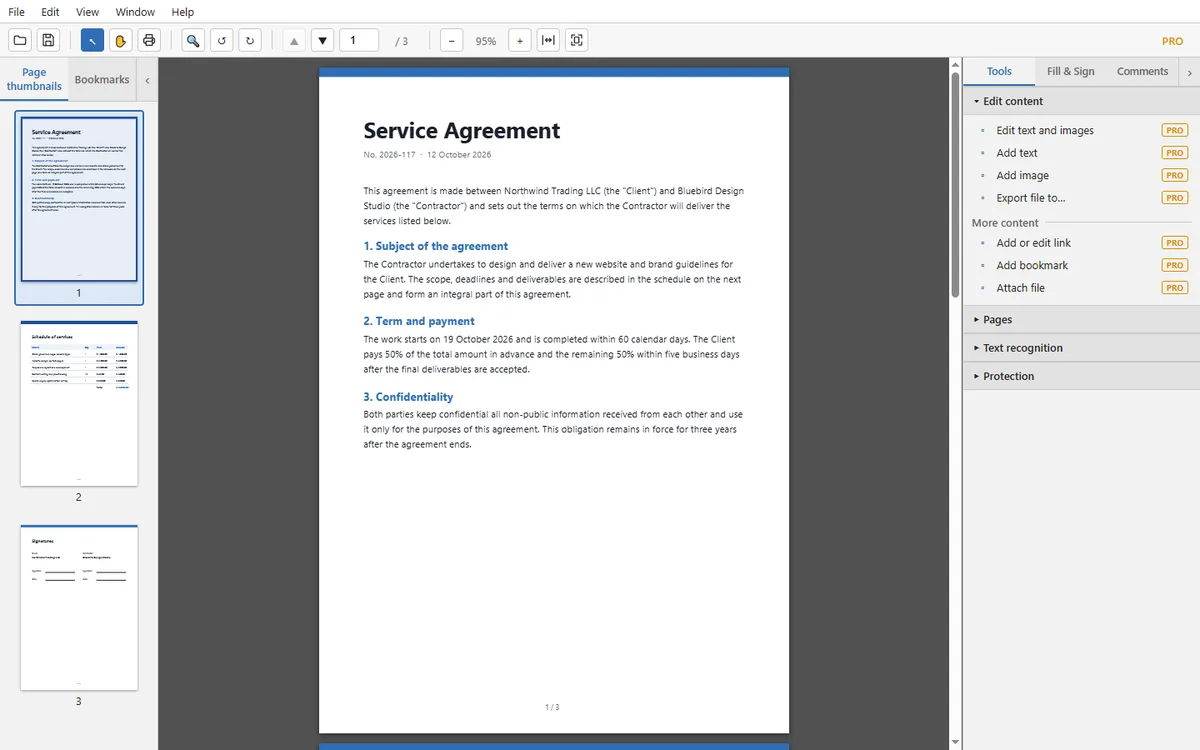
Everything you need for PDF
Edit text and images
Change text, paragraphs and pictures right on the page. Add your own text, images, links and bookmarks.
Learn more →Organize pages
Combine several files into one, split a document, extract, rotate, crop, replace or insert pages.
Learn more →Recognize scanned documents
Built-in OCR turns scans and photos into searchable, selectable text. English and Russian.
Learn more →Fill forms and sign
Fill in forms, type or draw your signature and initials, add dates and check marks.
Learn more →Protect your documents
Encrypt with a password, restrict editing, permanently redact text and remove hidden information.
Learn more →Convert to Office and images
Save a PDF as Word, Excel, PowerPoint, plain text, or PNG/JPEG images.
Learn more →Your files stay on your computer
TauPDF opens, edits and saves documents locally. Nothing is uploaded, so contracts, invoices and personal papers stay private.
Questions and answers
Is TauPDF free?
Yes. You can download and use TauPDF for free.
Are my files uploaded anywhere?
No. TauPDF works on your computer. Your PDF files are opened, edited and saved locally and are never sent to a server.
Which systems are supported?
Windows 10 and Windows 11 (64-bit). Other platforms may come later.
Which languages does it speak?
The interface is available in English and Russian. You choose the language during installation and can change it later in View → Language.
Can TauPDF replace Adobe Acrobat?
It covers the everyday tasks: editing, combining and splitting, OCR, signing, protecting and converting PDF files. It is a smaller and simpler program.